

The routine
Five minutes.
Every day.
Start with Face Mode. Add Line or Spot Mode where you want extra attention.
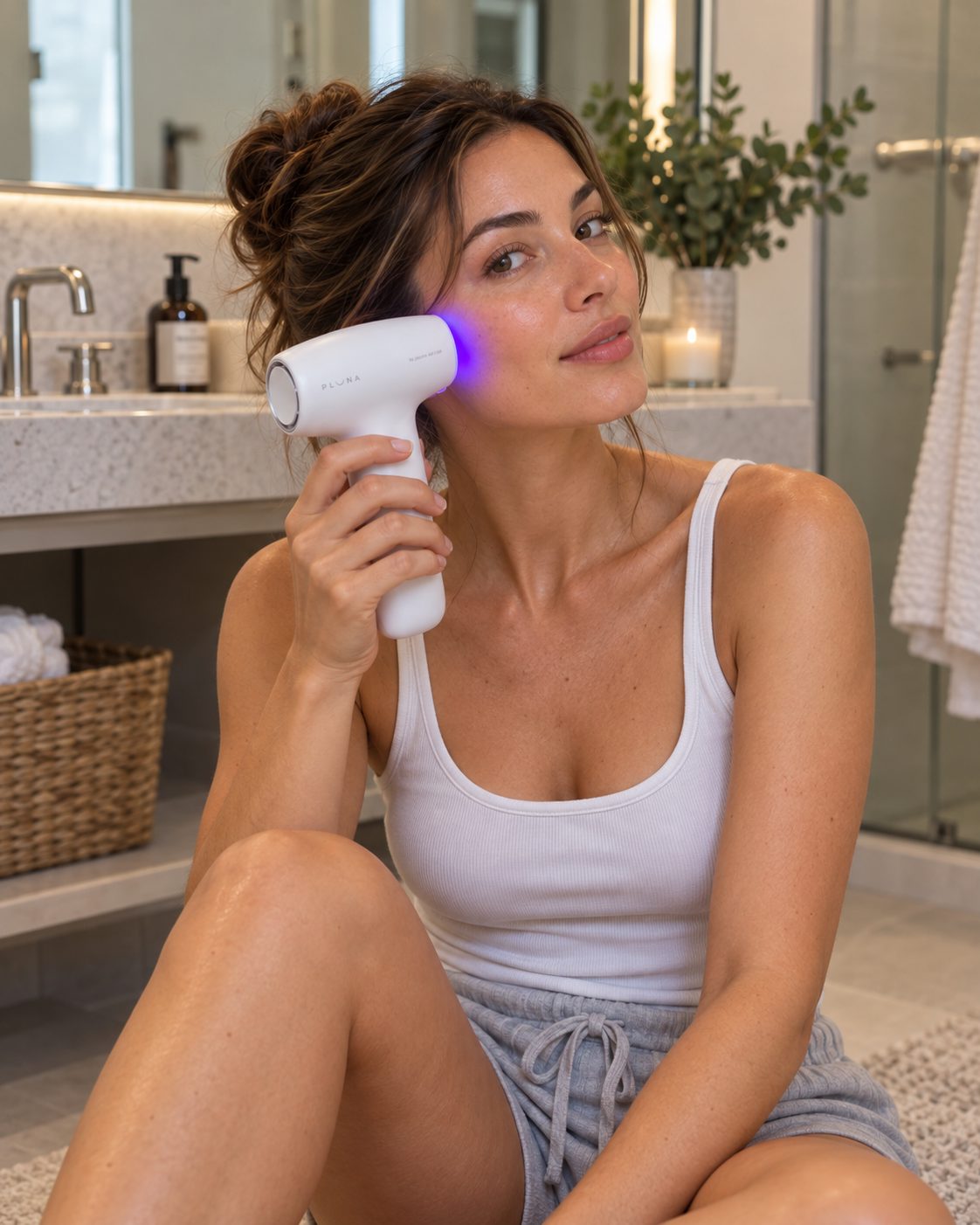
Meet your device
Five parts.
One button.
There is nothing to configure. Learn where the tip goes and what one press does, and you know the device.
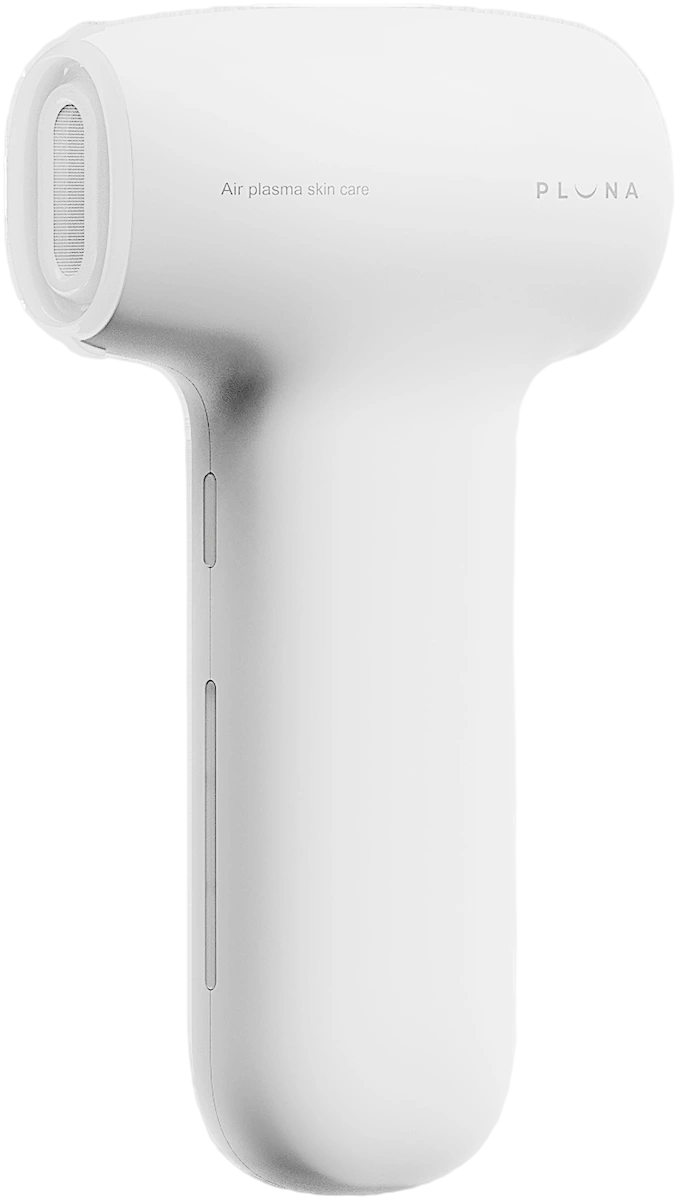
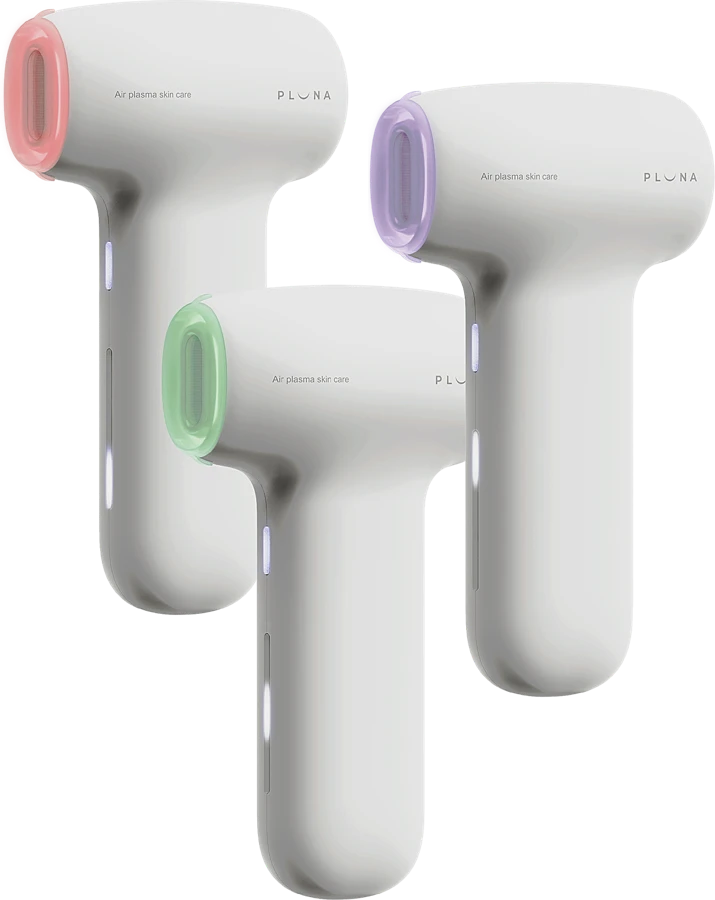
Plasma discharge port
Where the tips attach. Always fit a tip before use.
Power and mode button
Hold for 2 seconds to turn the device on or off. A single press changes the mode.
Battery indicator
The handle light shows how much charge is left.
Exhaust port
The vent at the back end. Keep it clear. The fan runs for 5 seconds after the device stops.
Charging terminal
USB-C, on the bottom of the handle.
Turn it on
Press and hold the power button for 2 seconds.
Change the mode
A single press cycles Spot, then Line, then Face.
Turn it off
The device stops on its own when the mode finishes. To stop sooner, hold for 2 seconds.
Two lights, two meanings
The tip lights up in the colour of the mode you are running. The handle light is the battery.
Mode light, on the tip
Battery light, on the handle
The routine
Three things once.
Then six steps, daily.
Do the first three before the first session. After that, the six below are the whole of it, and only the tip and the mode change.
Before your first treatment
Charge it
Charge with the USB-C cable in the box. The handle light stays solid when it is fully charged. The device cannot be used while charging.
Attach a tip
The silicone tips snap on and off. Always attach a tip before powering up. It lights up in the colour of the mode you select.
Apply Nano Gold Gel
Your device comes with Nano Gold Gel. Use only this gel, and never treat dry skin.
Every day, five minutes
Cleanse
Start with clean, dry skin.
Apply Nano Gold Gel
A thin layer over the treatment area. Reapply as needed during treatment.
Select your tip
General, Narrow, or Hair & Body.
Choose your mode
Face, Line or Spot.
Glide slowly
Keep the tip flat against the skin. No pressure needed.
Finish with skincare
Follow with your serum or cream. Do not rinse the gel off.
Setup and treatment steps are as published in the PLUNA Quick Start Guide supplied with the device; the full manual ships in the box. Nano Gold Gel is part of the treatment, not an optional extra, and the source materials instruct users not to treat dry skin.
Three modes, three tips
Customize your routine.
Maximize your outcome.
Pick a mode. The tip lights up in its colour for the real treatment length, and stays lit until it is done. Start with the General Tip in Face Mode and add the others as your routine grows.
5min
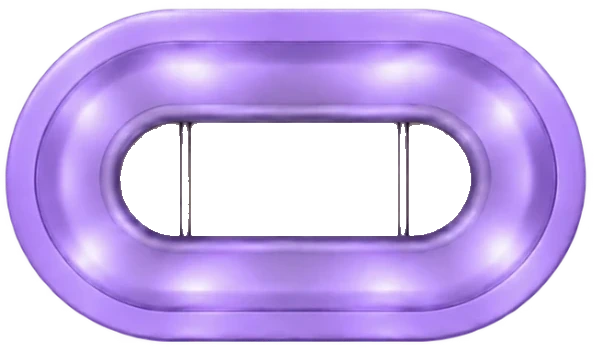
Face Mode
General Tip, or Hair & Body Tip
The whole face, daily. Scalp, hairline, neck, chest and back with the Hair & Body Tip, moving slowly.
3min
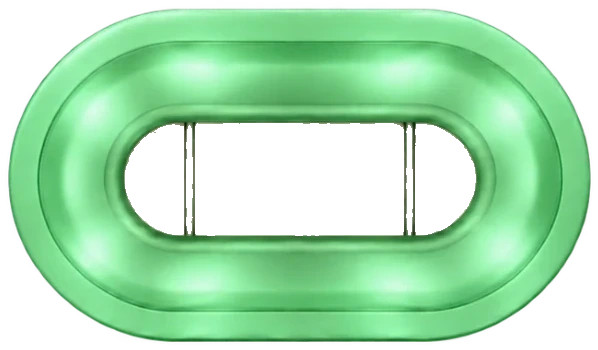
Line Mode
General Tip
Expression lines around the eyes and mouth.
1min
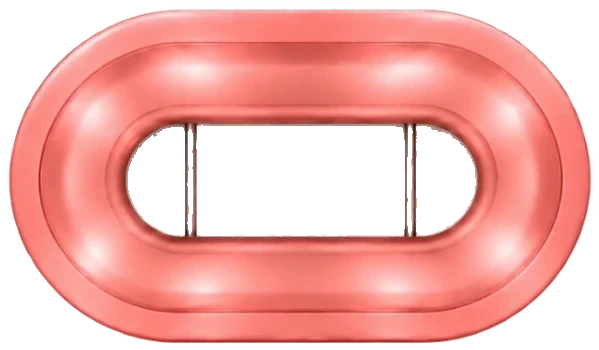
Spot Mode
Narrow Tip
Blemishes, pigmentation and small areas. Hold the tip still over the spot.
The hardware
No other device
has this tip.
PLUNA's open-tip geometry removes the screen found on many plasma devices, allowing plasma to meet the treatment surface directly.
Laboratory output comparisons are held back pending consumer claims approval, so no comparative numbers are published here.
Three tips, one at a time
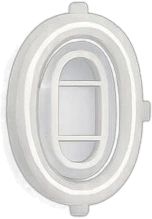
General Tip
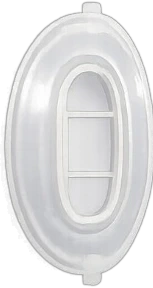
Narrow Tip
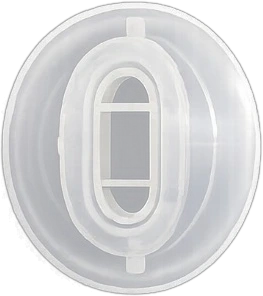
Hair & Body Tip
Mode names, durations and colours are as published in the PLUNA Quick Start Guide. Always use the Nano Gold Gel supplied with the device.
Technique
Follow the skin,
not the clock.
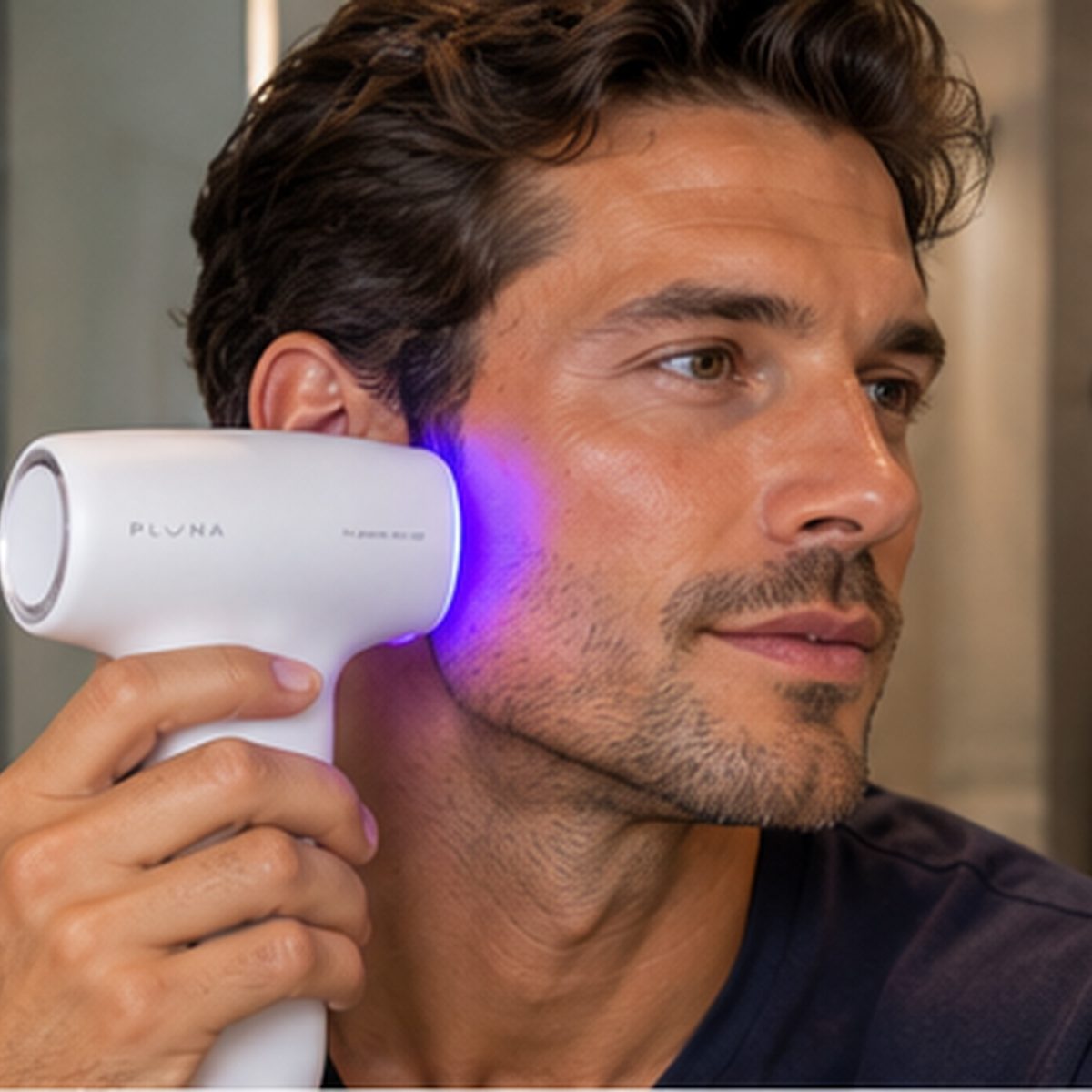
Keep the tip flat against the skin and use slow, controlled upward strokes. No pressure is needed. Use enough Nano Gold Gel for a smooth glide, so it never tugs.
Around the eyes
Work around the eye and up toward the temple, then gently up to the brow. Follow each line slowly, from the bottom up.
Site wording remains consistent with the Instructions for Use.
Quick start
Clean it. Store it.
Keep it charged.
Five habits that keep the device working the way it did on day one.
Power off first
Switch off and remove the tip before cleaning.
Rinse and dry
Rinse the tip and dry it fully before refitting.
Monthly swab
Once a month, swab inside the discharge port with a dry cotton bud.
Store flat
Flat, cool and dry, out of sunlight.
Recharge
Recharge every 1 to 2 months if unused.
One thing worth knowing
A faint metallic scent during treatment is normal.
Refer to the current Instructions for Use for contraindications, warnings and precautions.
Everything you need